Key Takeaways
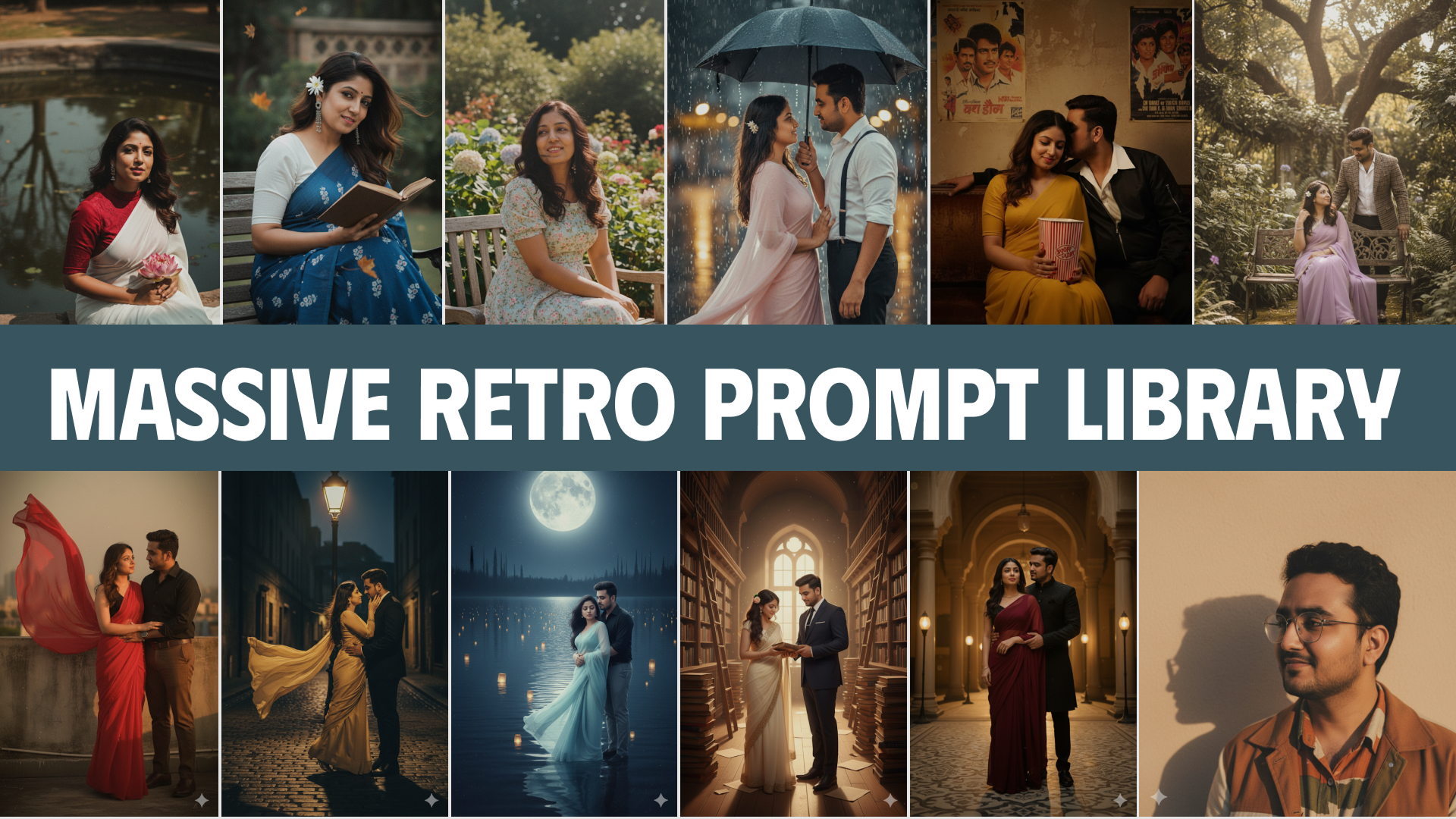
Traditional photo editing is evolving. This article introduces the concept of using Google Gemini's text-to-image capabilities for stylistic adjustments, lighting correction, and creative enhancements, serving as a gateway to our comprehensive prompt engineering guide.
The Shift to Prompt-Based Editing
For decades, photo editing has been a manual process involving sliders, curves, and masks. Today, tools like Google Gemini are introducing a new paradigm: text-based editing.
Instead of manually adjusting the exposure or color grading, creators can now describe their desired outcome in plain English. This method, known as "prompting," allows for rapid stylistic experimentation that would take hours to replicate manually.
What Gemini AI Can Do
While it doesn't replace the precision of a professional retoucher for specific tasks, Gemini excels at broad stylistic transformations:
- Lighting Simulation: Add "golden hour" or "studio softbox" lighting to flat images.
- Stylization: Instantly apply "Kodak Portra 400" or "Cyberpunk" color grades.
- Restoration: Sharpen details or remove noise using semantic understanding of the image content.
Moving Beyond the Basics
Understanding the potential of AI is the first step. The second step is mastering the specific language—the syntax—that controls these powerful models.
We have compiled a comprehensive resource detailing the exact prompt structures needed for portraits, landscapes, and artistic edits.
Advertisement
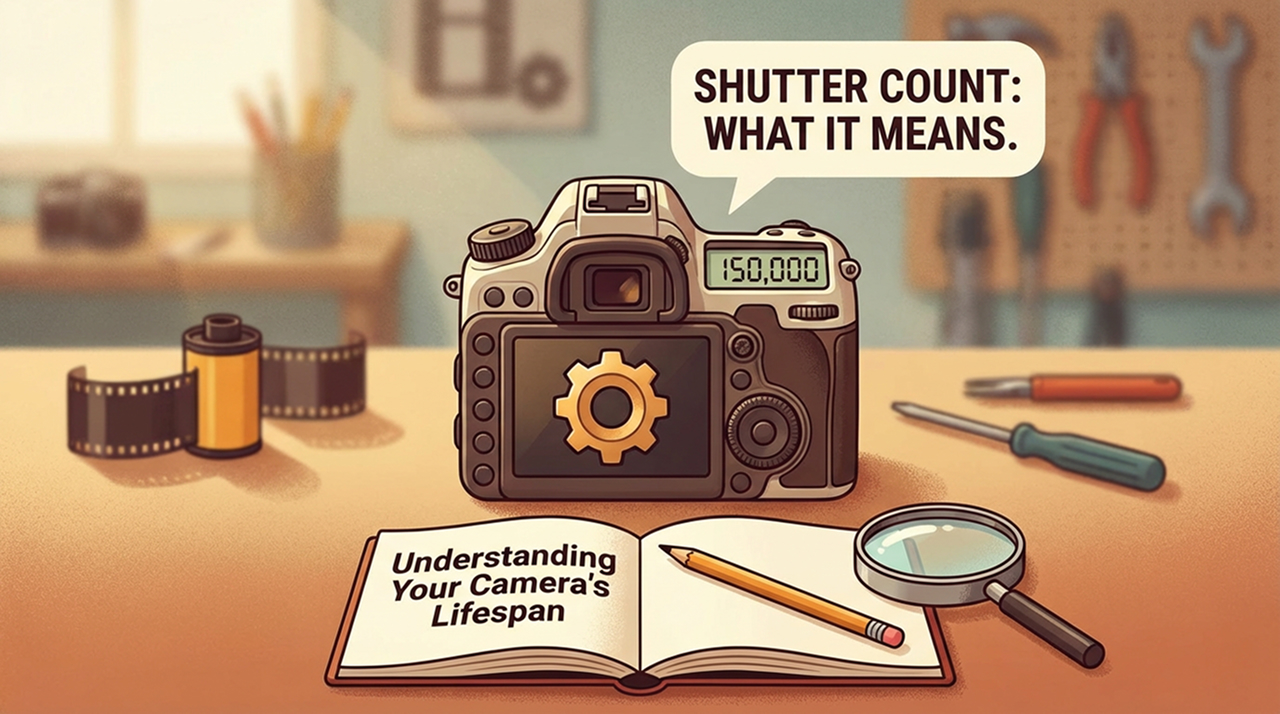
Check shutter count right from your phone
Inspecting a used camera in person? Copy one photo to your phone and get the true shutter count, a wear gauge and a plain-language verdict before you pay. Free, with no signup.
- Canon, Nikon, Sony, Fujifilm, Panasonic
- Saved check history
- Share results with buyers
Shooting gear listing photos?
Clean up the background first.
BGFixer.com removes photo backgrounds instantly with AI — free, no signup. Built for the same clean, no-nonsense listings your shutter count report gives you.